If you’re trying to verify your account on Juwa777 and keep hitting a wall, you’re not alone. A lot of new users get stuck at this step — mostly because the process isn’t explained well in one place.
This guide covers everything clearly. How the verification works, why Juwa777 asks for it, what documents you may need, and what to do if something goes wrong.
⚠️ Quick note before we start: Juwa777 operates in a legal gray area in some countries and U.S. states. Always check if real-money gaming platforms are allowed where you live before creating an account. Play responsibly, and only spend what you can afford to lose.
Why Juwa777 Asks You to Verify Your Account
Account verification on Juwa777 is not there to make your life harder. There are real reasons behind it:
- To confirm you are a real person — not a bot or a fake account
- To make sure you are 18 or older — gaming platforms require this by law
- To protect your money — without verification, withdrawals are usually blocked
- To prevent fraud — both for your safety and the platform’s
If you ever wonder why your withdrawal is stuck or your account says “pending” or “blocked,” the most common reason is that verification isn’t complete yet.
Two Ways Juwa777 Accounts Are Created
Before you verify, you need to understand how accounts on Juwa777 are set up — because it works differently from most apps.
Option 1: Through a Juwa Agent or Distributor
Many Juwa777 players don’t create their accounts directly. Instead, they contact an official Juwa agent (usually found through the official Juwa Facebook page). The agent creates the account for you and gives you a username and password.
In this case, basic verification happens through the agent. They confirm your identity before handing you credentials.
Option 2: Through the App or Website Directly
Some versions of the Juwa777 platform let you sign up yourself through the app or website. Here you fill in your details, and then verify via email or phone number.
Which method you use depends on the version of the platform you’re accessing and your location. Both paths eventually lead to the same verification steps.
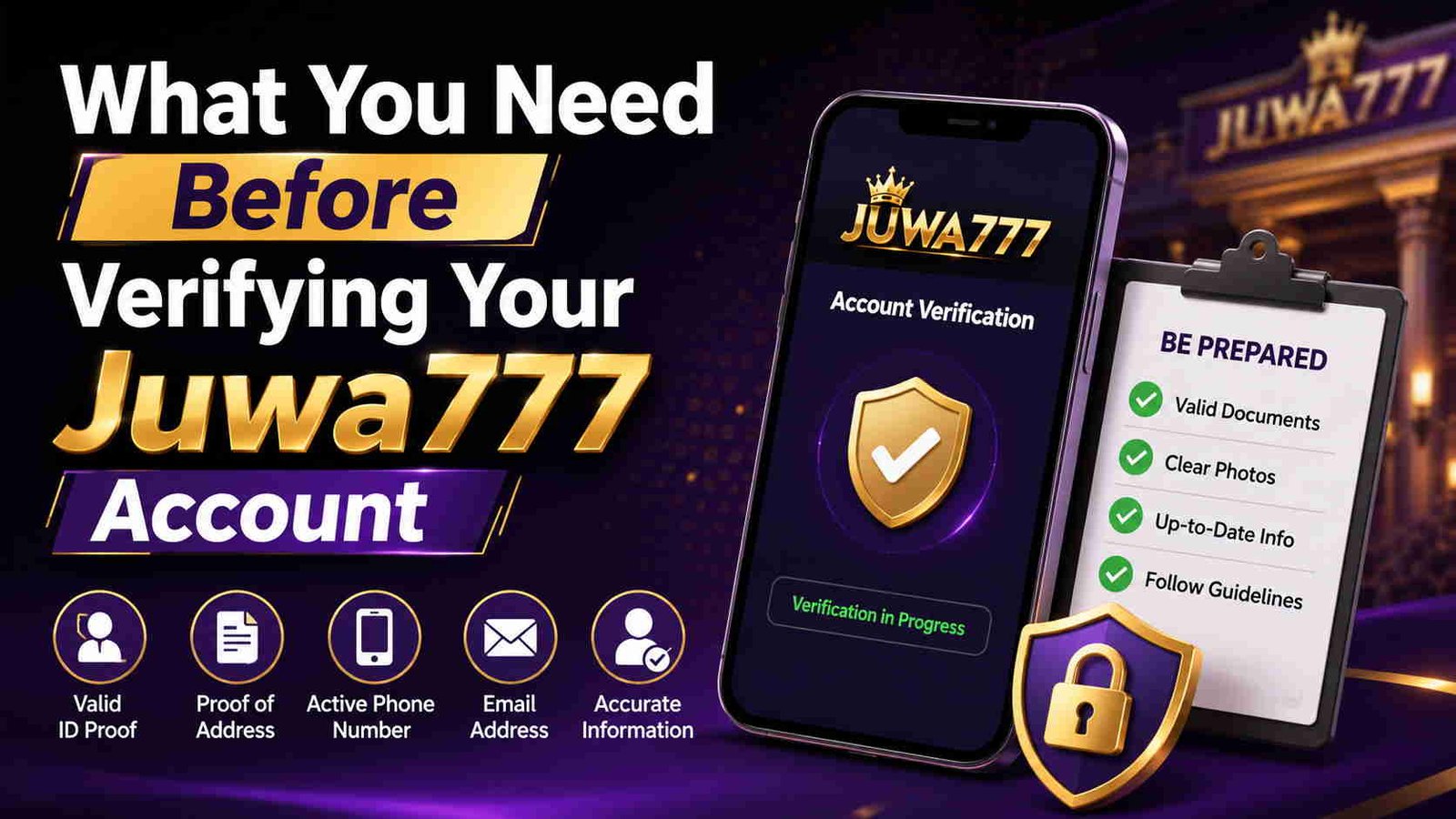
What You Need Before Verifying Your Juwa777 Account
Step 1: Open the App or Website
First, make sure you have the right app. Juwa777 is not available on the Google Play Store or Apple App Store — you need to download the APK file from the official Juwa website.
⚠️ Be careful here. There are fake Juwa APK files on other websites. Only download from the official source. Fake apps can steal your login details.
Once the app is installed, open it and log in with the credentials you were given or created during registration.
Step 2: Go to Account Settings
After logging in, look for the account or profile section. This is usually in the top corner of the screen — either a profile icon or your username.
Tap on it to open your account details. You should see an option like:
- “Verify Account”
- “Account Verification”
- “Complete Your Profile”
If you don’t see any of these options, check under “Settings” or “Security.”
Step 3: Verify Your Email Address
If you registered with an email, you should receive a verification email shortly after signing up.
Here’s what to do:
- Check your inbox for an email from Juwa777
- If you don’t see it, check your Spam or Junk folder — it often ends up there
- Open the email and click the verification link
- You’ll be redirected to the app or website confirming your email is now verified
If the link has expired (they usually expire within 24 hours), go back to your account settings and request a new verification email.
Step 4: Verify Your Phone Number
Phone verification is common on Juwa777. Here’s how it usually works:
- Go to your account or security settings
- Enter your mobile phone number (use the correct country code)
- Tap “Send OTP” — OTP means One-Time Password, which is just a short code sent by text message
- You’ll receive a text with a 4–6 digit code
- Enter that code in the app within a few minutes (codes expire fast)
- Your phone number is now verified
One thing I noticed: if you’re on a slow network connection, the OTP sometimes arrives late. Wait at least 2 minutes before requesting a new code. Requesting too many codes too fast can temporarily block your number.
Step 5: Identity Verification (If Required)
Not all Juwa777 accounts require this step, but if you’re trying to withdraw large amounts or if the platform flags your account for review, you may need to submit an ID.
Common documents asked for:
| Document Type | What It Proves |
|---|---|
| National ID or Passport | Who you are |
| Driver’s License | Age and identity |
| Utility Bill or Bank Statement | Your address |
| Selfie with ID | That you’re the real owner |
How to submit:
- Take a clear photo of the document (make sure all text is readable, no blurry edges)
- Upload it through the verification section of your account
- Wait for approval — this usually takes 24 to 72 hours
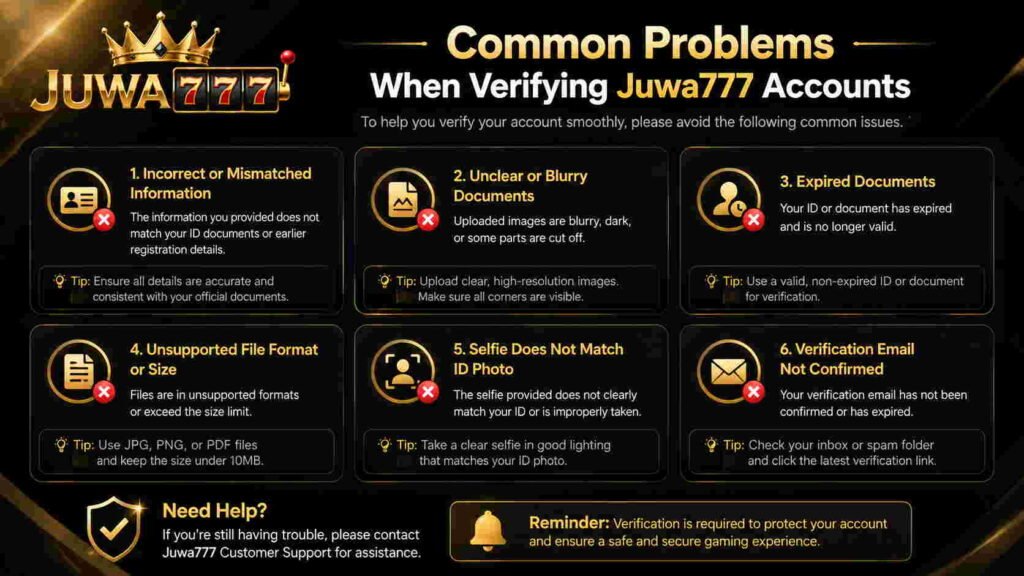
This part is usually harder than people expect — not because the process is complicated, but because photos come out blurry or cut off at the edges. Take your time with the photo. Make sure the light is good, all four corners of the document are visible, and the text is sharp.
Step 6: Verify Through Your Agent (Agent-Based Accounts)
If your account was created by a Juwa agent, the verification process is a little different.
In this case:
- Contact your agent directly via the platform or messaging app they use (usually WhatsApp or Facebook Messenger)
- Tell them you want to complete verification
- They will guide you through their specific process, which may include sending them your ID or answering security questions
- The agent updates your account status on their end
This method works differently depending on the agent. Ask them exactly what they need — don’t guess.
Common Problems When Verifying Juwa777 Accounts
“I didn’t receive the verification email”
- Check your spam/junk folder
- Make sure you typed your email correctly during sign-up
- Request a new email from account settings
- Try adding Juwa’s email domain to your safe senders list
“My OTP keeps expiring before I can enter it”
- Make sure your phone has a good signal
- Enter the code as soon as it arrives — don’t wait
- If you’re switching between apps, go back to Juwa quickly
“My account says ‘blocked’ or ‘under review'”
- This often means a transaction is pending on the backend
- Contact Juwa customer support directly — don’t keep trying to log in repeatedly
- If you used an agent, contact them first, as they can often resolve it faster
“I uploaded my ID but verification is taking too long”
- Manual ID review can take up to 72 hours
- If it’s been longer than that, contact support with your submission date
- Make sure your photos were clear — blurry images often get rejected without notice
Tips to Make Verification Go Smoothly
A few things that help based on experience:
- Use the same name everywhere. The name on your account must match your ID exactly. Even a small difference (nickname vs. full legal name) can cause delays.
- Use a working email you actually check. Temporary or throwaway emails can cause verification failures.
- Don’t share your OTP or credentials with anyone. Juwa support will never ask for your OTP — if someone does, it’s a scam.
- Complete verification before making a big deposit. Some players deposit and then realize they can’t withdraw until verification is done. Do it first.
- Save your agent’s contact details. If you set up through an agent, keep their contact info handy. They’re often the fastest way to solve account problems.
Is Juwa777 Safe to Use?
This is a fair question. Juwa777 is a real platform with a large player base, particularly in the United States. The official app uses encryption to protect your personal details, and the platform has been around for several years.
That said — a few honest points:
- It is not listed on official app stores, so you’re installing an APK file manually. This is standard for this type of platform, but it does carry some risk if you get the file from the wrong source.
- It operates in a legal gray area in some U.S. states and other countries. Real-money gaming is regulated differently in different places.
- Always use it through official channels — the official website, verified agents, or the official Facebook page.
If you’re unsure about legality in your area, check your local laws before using the platform.
Conclusion
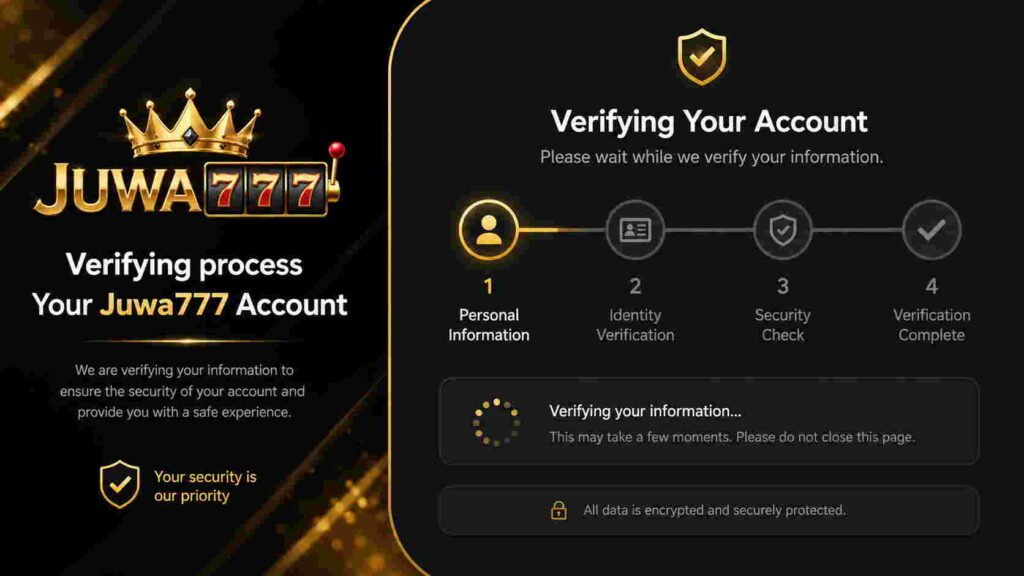
Verifying your account on Juwa777 isn’t complicated once you know the steps. The key is following them in order — email first, then phone, then ID if needed. Most problems come from small things like blurry photos, expired OTP codes, or using the wrong name.
If you get stuck, your agent (if you have one) is usually the fastest support option. Otherwise, the official Juwa support channels can help sort out most issues within a day or two.
Once verification is done, everything else — deposits, games, withdrawals — works a lot more smoothly.
FAQ
Q: Do I have to verify my account to play games on Juwa777?
You can often start playing without full verification. But to withdraw money, most versions of the platform will require you to complete at least phone or email verification first.
Q: How long does Juwa777 account verification take?
Email and phone verification are instant once you enter the correct code. ID verification (if required) can take between 24 and 72 hours for manual review.
Q: What if my verification email link has expired?
Go back to your account settings and look for a “Resend Verification Email” option. If you can’t find it, contact support or your agent.
Q: Can I change my phone number after verification?
Yes, but you’ll usually need to re-verify with the new number. Go to your account security settings and update the number there.
Q: What ID documents does Juwa777 accept?
Typically a government-issued ID like a passport, national ID card, or driver’s license. Some accounts also ask for a proof of address like a utility bill.
Q: My account is blocked after failed login attempts. What do I do?
Stop trying to log in — repeated failed attempts can extend the lockout period. Contact your Juwa agent or the official support team to unlock your account manually.
Q: Is it safe to send my ID to a Juwa agent?
Only send documents to verified, official Juwa agents. If you’re unsure whether someone is a real agent, confirm through the official Juwa Facebook page before sharing anything.